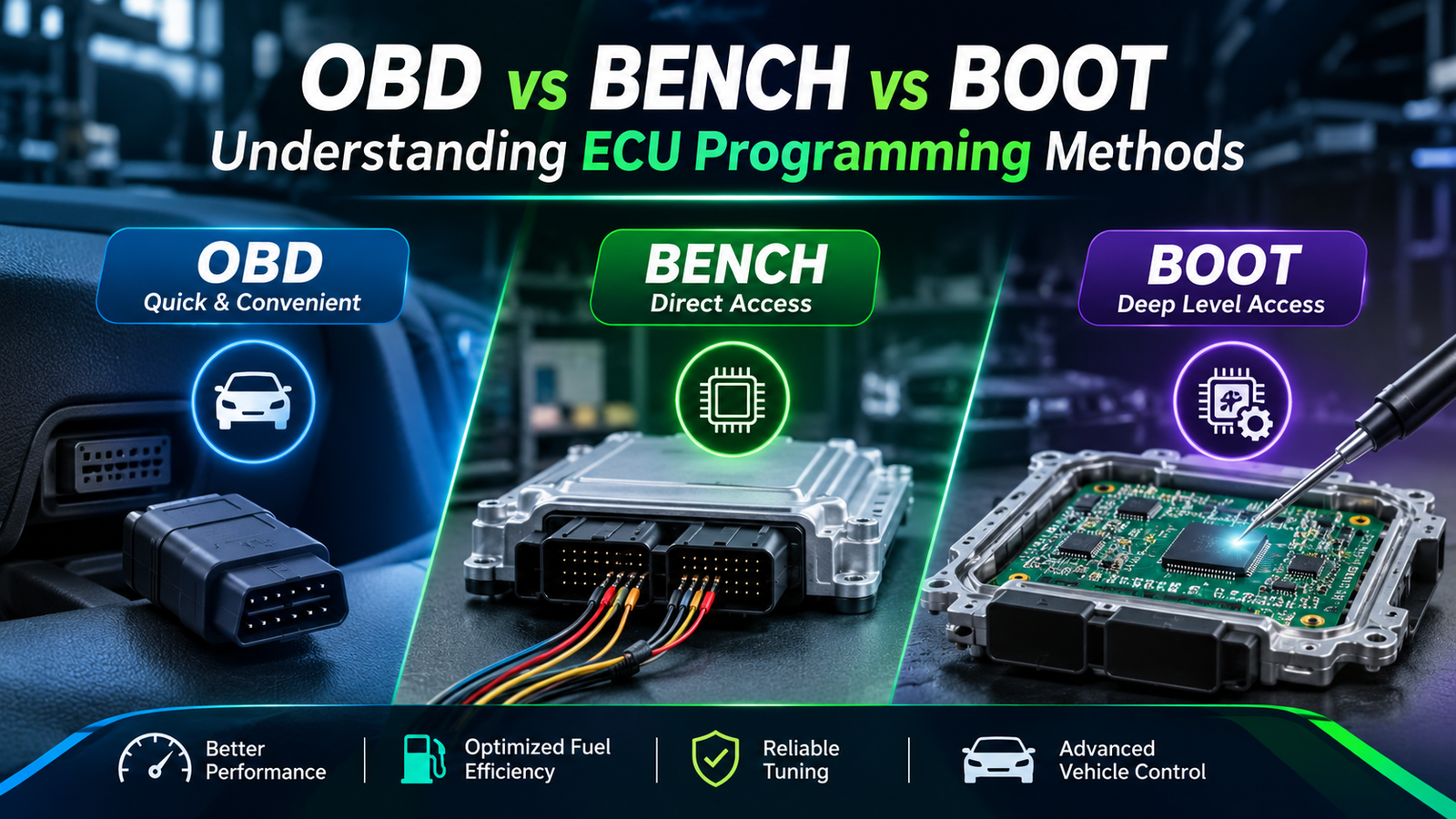
OBD vs BENCH vs BOOT: Understanding ECU Programming Methods
Modern vehicles rely on sophisticated Electronic Control Units (ECUs) to manage engine performance, fuel delivery, ignition timing, and various other vehicle functions. As automotive technology evolves, professional ECU tuning requires different communication methods to access and modify ECU software.
Three commonly used programming methods are OBD, BENCH, and BOOT. Each method provides a different level of access and is suitable for specific vehicle platforms and technical operations.
What Is OBD Programming?
OBD (On-Board Diagnostics) programming allows technicians to communicate with a vehicle's ECU through its diagnostic port.
This method is widely used for reading and writing ECU data without physically removing the control unit from the vehicle.
Key Advantages of OBD Programming
-
No need to remove the ECU in supported applications.
-
Convenient access through the vehicle's diagnostic connector.
-
Suitable for many routine ECU reading and writing operations.
-
Helps reduce workshop time and simplify the tuning process.
However, OBD access depends on ECU compatibility, software restrictions, and the available programming protocol.
What Is BENCH Programming?
BENCH programming involves connecting directly to the ECU through its external electrical connectors while the control unit is outside the vehicle.
Unlike traditional OBD programming, this method provides direct access to the ECU without necessarily opening its housing.
Key Advantages of BENCH Programming
-
Direct communication with the ECU.
-
Access to supported operations that may not be available through OBD.
-
Useful for certain locked ECU platforms and advanced programming procedures.
-
Supports selected repair, recovery, and cloning operations, depending on the ECU.
BENCH programming requires the correct wiring, pinout information, and compatible hardware.
What Is BOOT Programming?
BOOT programming provides access to the ECU through its internal electronic connections, typically by opening the ECU housing and connecting directly to the relevant processor or boot communication points.
This method is generally used when deeper access to the ECU is required.
Key Advantages of BOOT Programming
-
Provides deeper access to supported ECU systems.
-
Enables specific advanced reading and writing operations.
-
Can be useful for certain recovery and repair procedures.
-
Supports programming tasks that may not be accessible through standard OBD communication.
BOOT operations require technical knowledge, accurate connection procedures, and appropriate equipment.
OBD vs BENCH vs BOOT: Main Differences
| Feature | OBD | BENCH | BOOT |
|---|---|---|---|
| Connection | Diagnostic port | ECU connector | Internal ECU connections |
| ECU removal | Usually not required | Required | Required |
| ECU opening | No | Usually no | Typically yes |
| Access level | Application-dependent | Direct access | Deeper access |
| Common application | Routine programming | Advanced access | Specialized programming |
Which ECU Programming Method Should Technicians Choose?
There is no single programming method suitable for every vehicle.
The correct approach depends on the ECU model, communication protocol, vehicle compatibility, and the intended operation.
OBD is often the most convenient option when the ECU supports the required operation. BENCH provides an alternative when direct access is needed, while BOOT can be necessary for specific advanced procedures.
Professional technicians should always verify the supported protocol and follow the manufacturer's instructions before starting any programming operation.
The Importance of Choosing the Right Programming Equipment
Modern ECUs increasingly include software restrictions and advanced security mechanisms. As a result, professional tuning workshops need reliable programming equipment with regularly updated vehicle coverage.
Tools such as AutoTuner, Alientech KESS3, and Magicmotorsport FLEX offer different programming solutions depending on the supported ECU and vehicle application.
Before performing any operation, technicians should check ECU compatibility, connection requirements, backup procedures, and stable power supply recommendations.